

I have designed
more than 200 Brands
over the last 20 years.
Clients and brands include shopping malls, Hotels, Restaurants, Fashion, Coffee, etc., and Digital Agencies.
Let's talk!
If you are interested in collaboration or looking for branding counseling, let's talk!
Say Hi to Me
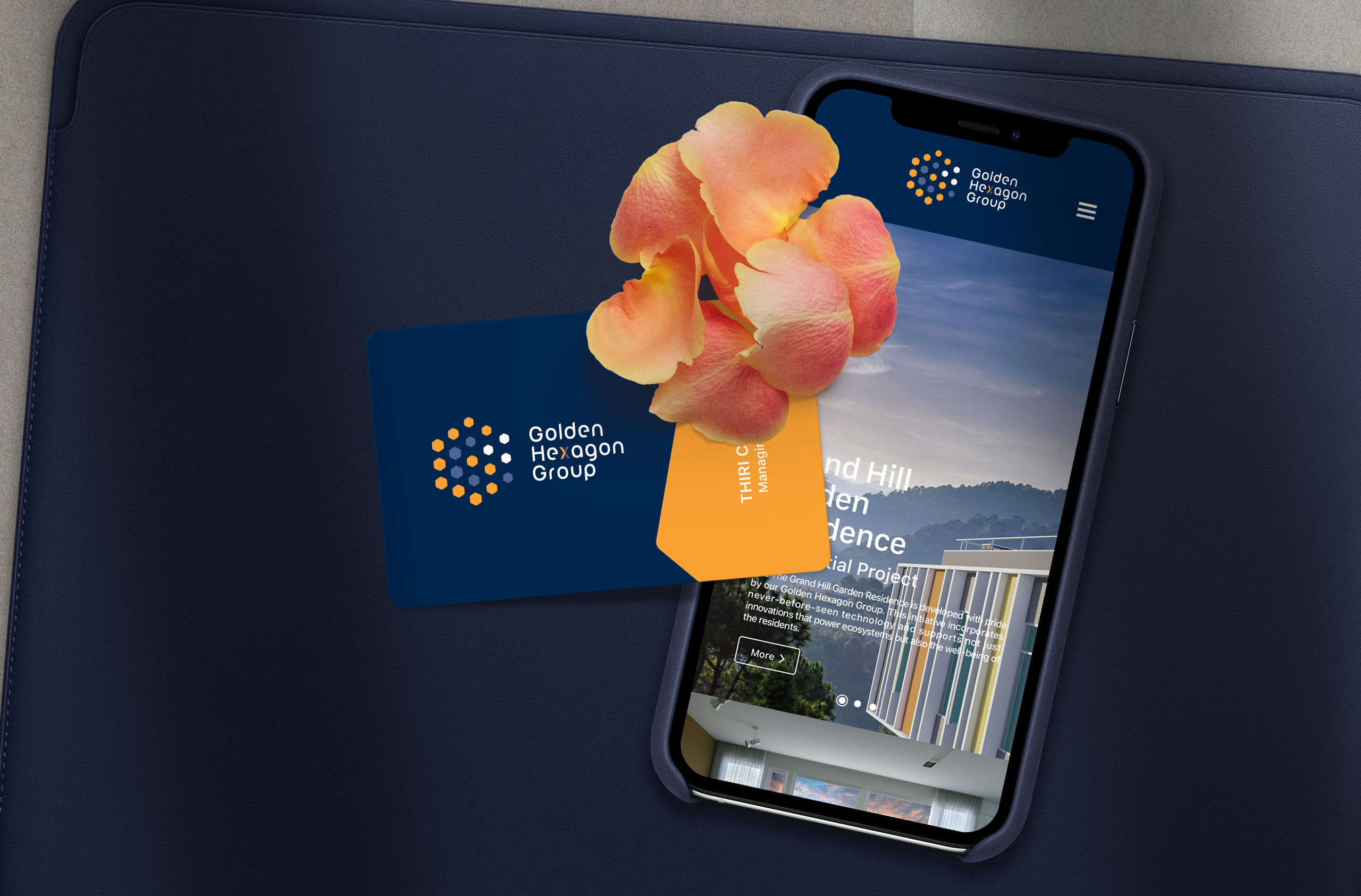
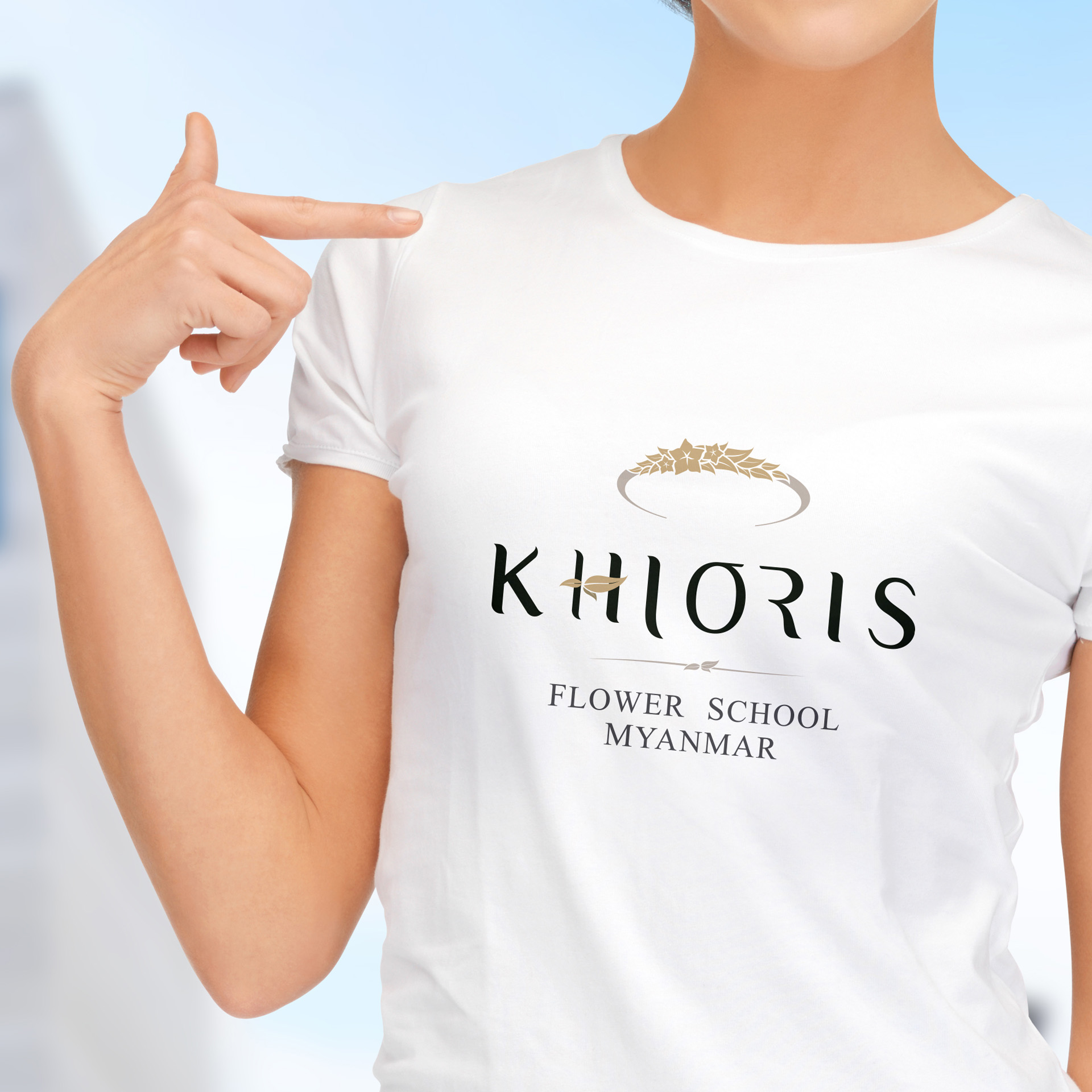
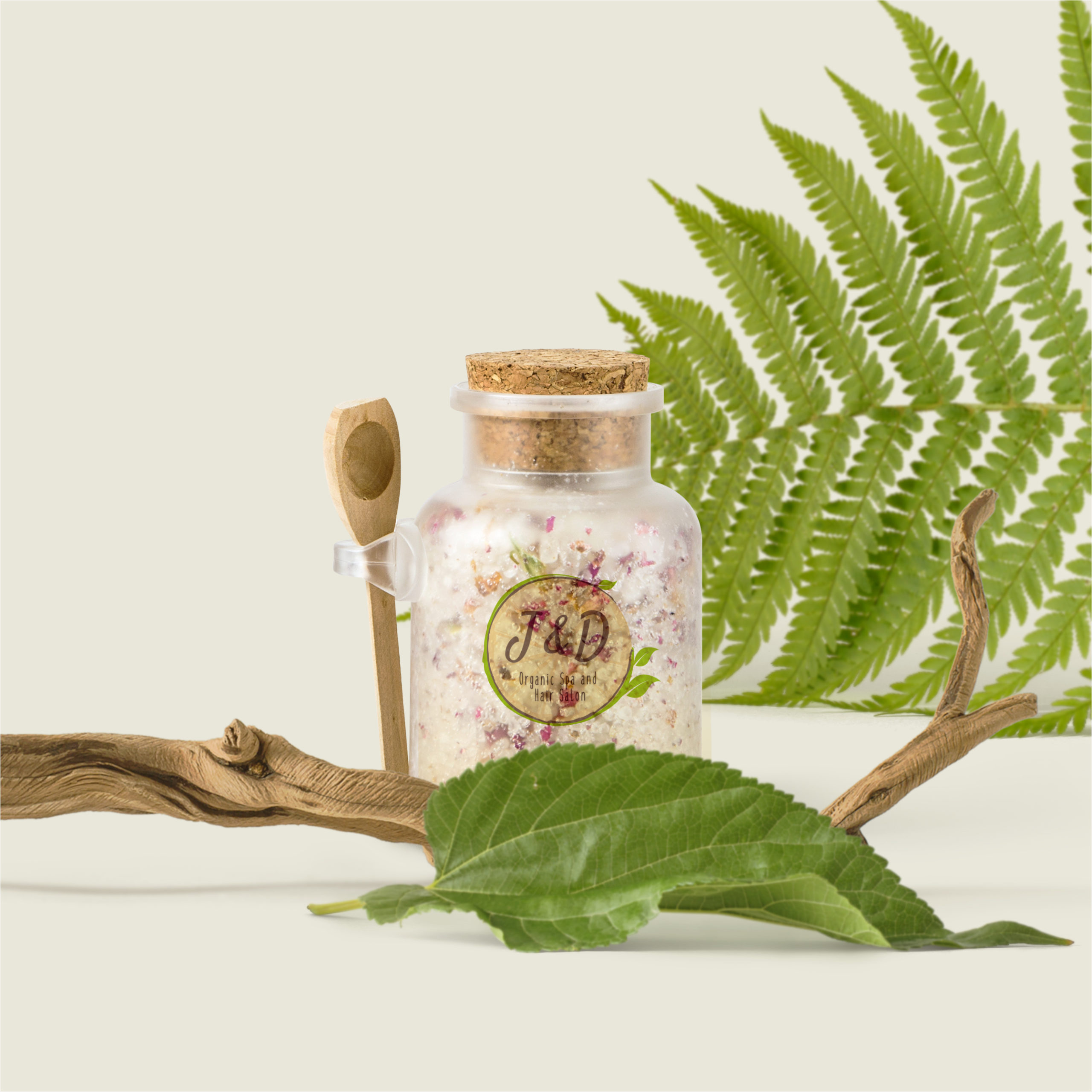
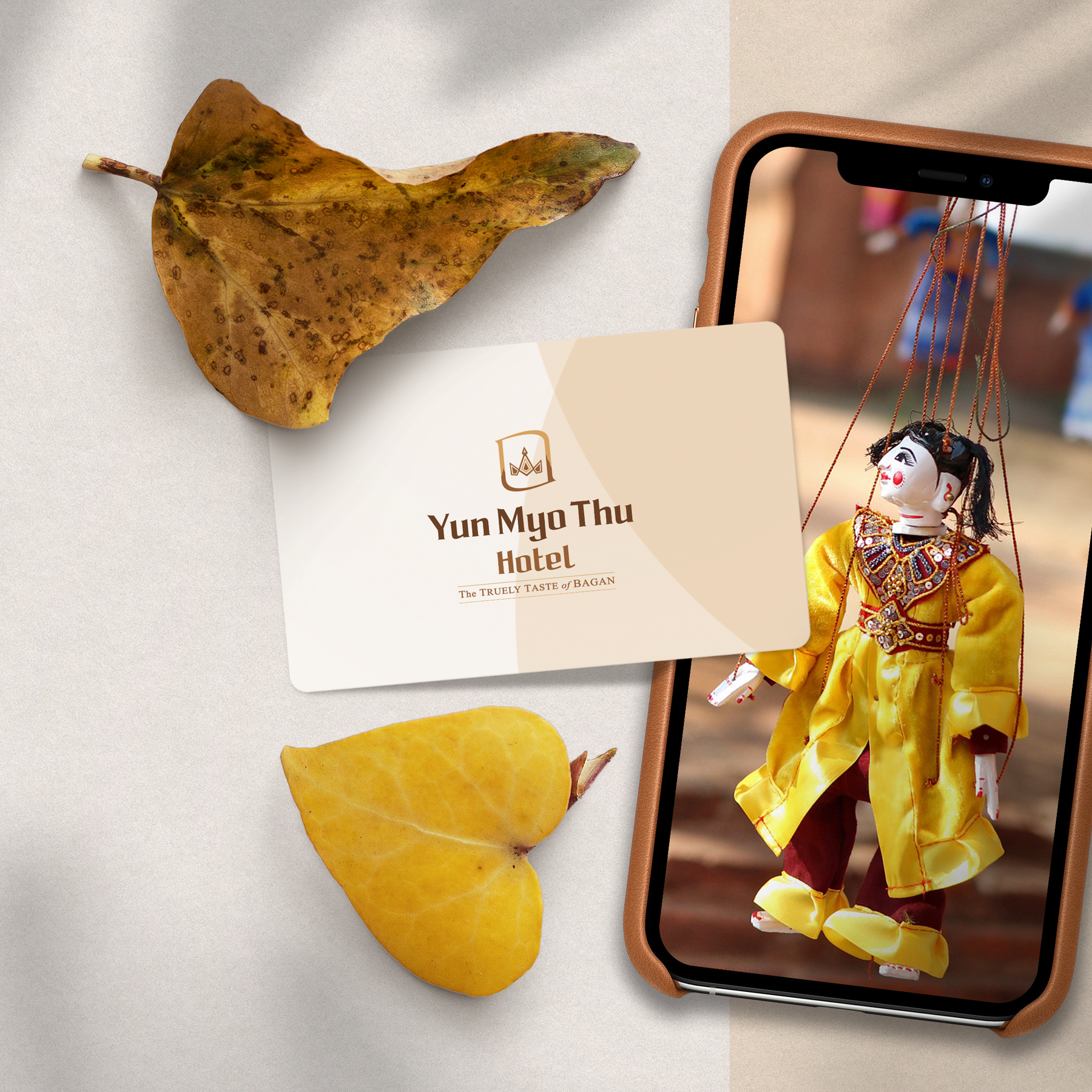
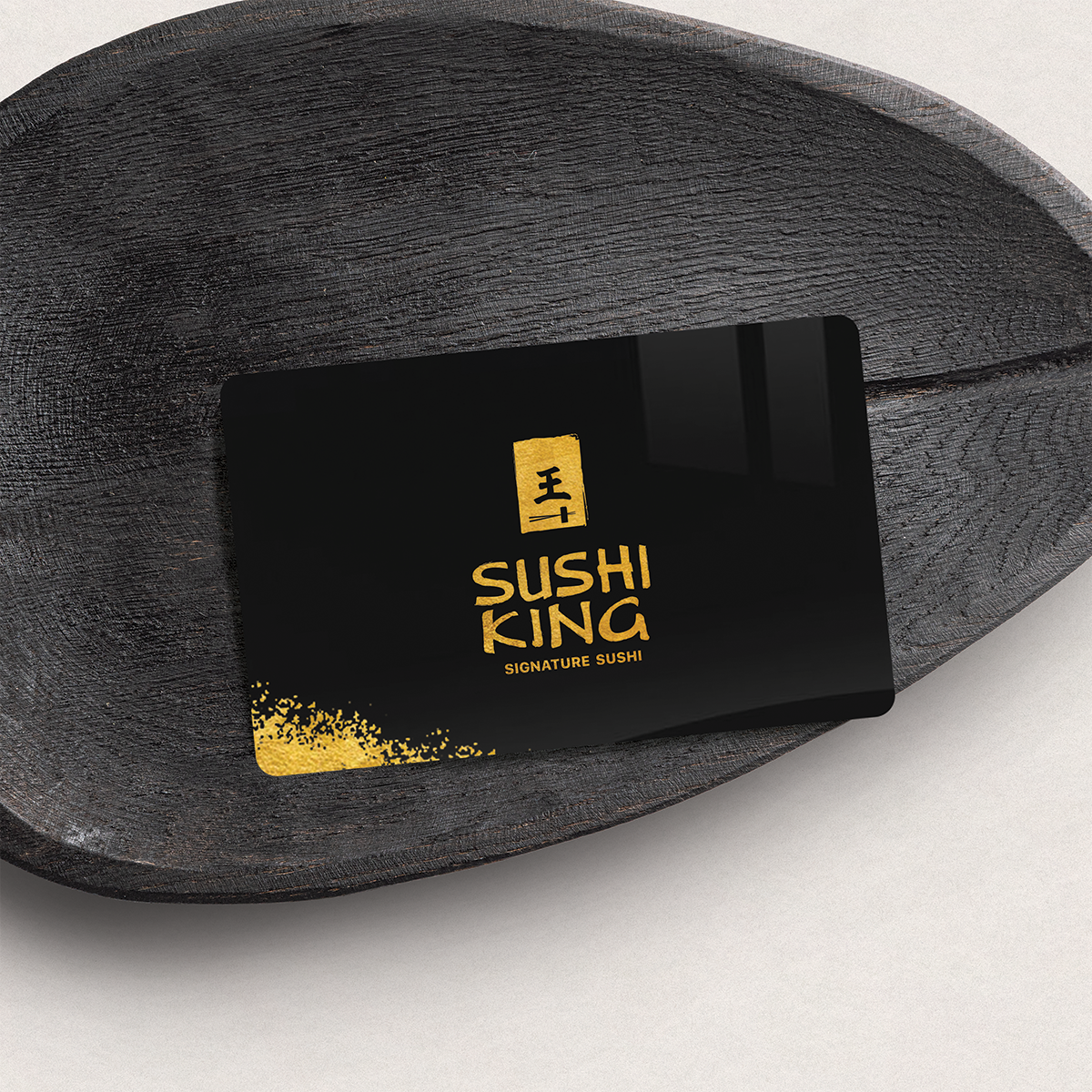
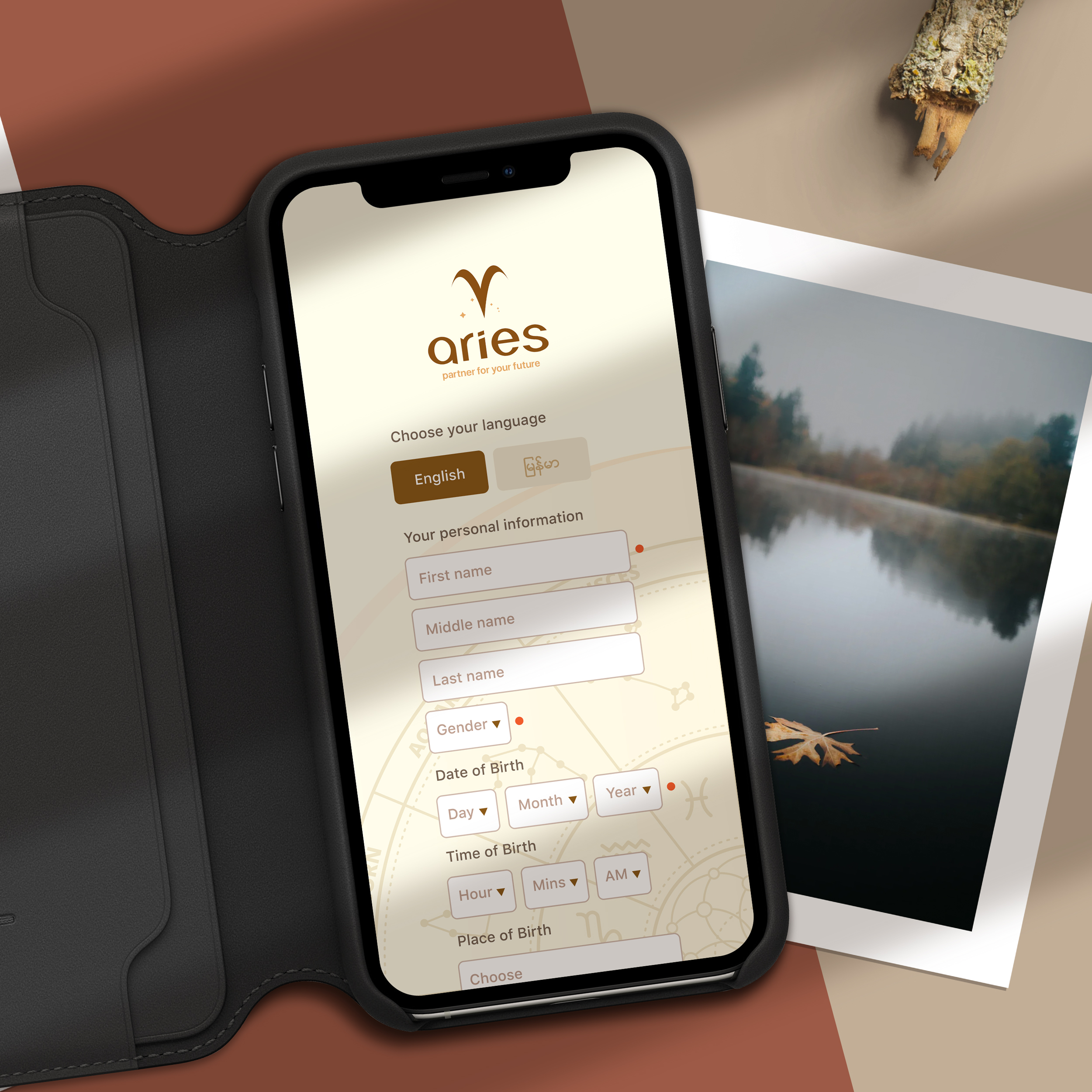
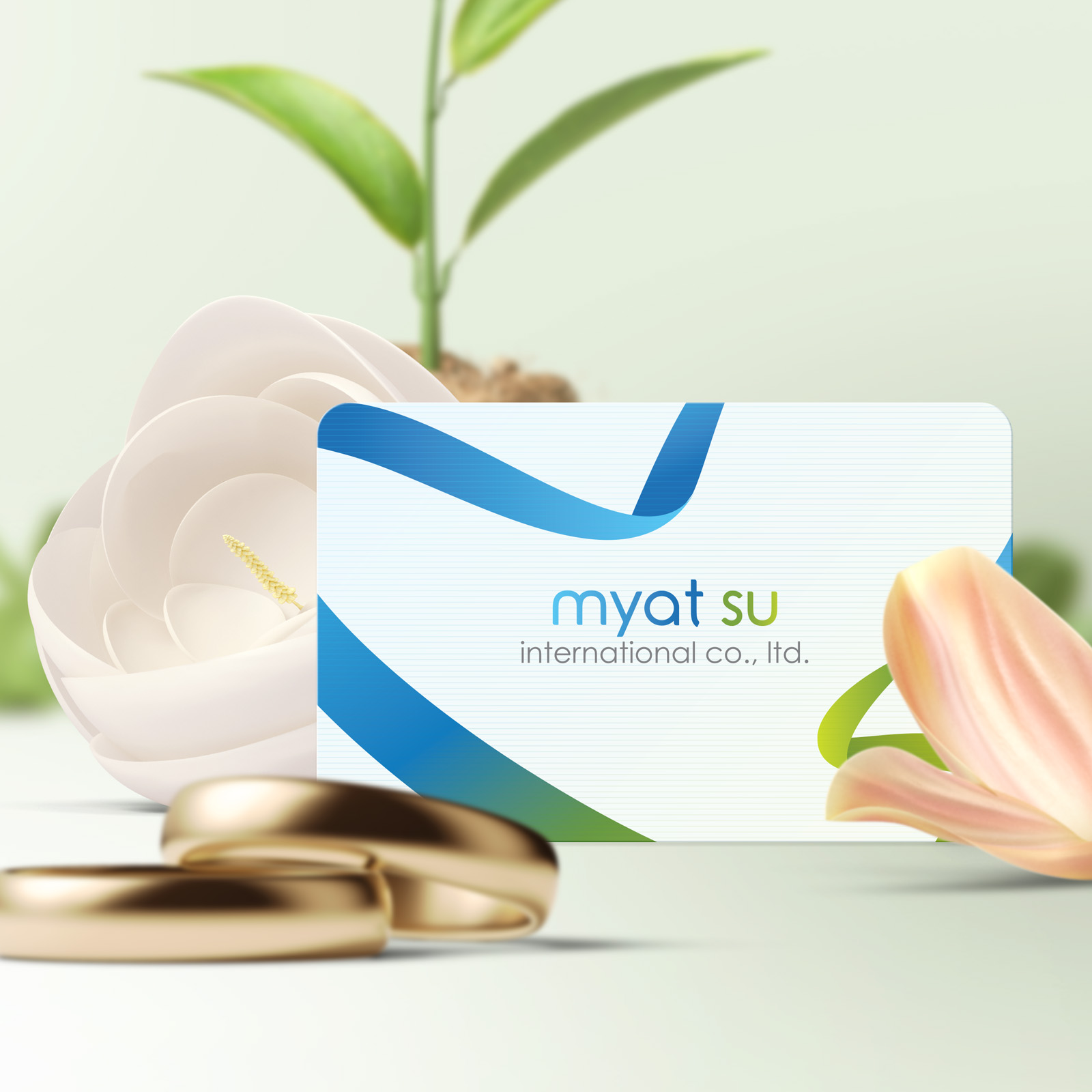
Case Studies
The accomplishment of a successful project has never been easy. Identifying the right design philosophy is the most important part of the entire design process that helps the clients' business strategy and the success of the brands and products that they market.
Explore More
About Me
I started my digital design career 20 years ago. Over the last 16 years, I worked remotely from Bangkok, Thailand for the well-known digital agencies in the United States of America and Singapore for the most exciting design projects. I also created brand identities of various kinds of enterprises and companies such as Technoland, Electronic City, ...
MorePortfolios & Services
Branding / Logo Design Responsive Websites App Design/ Development eLearning/ Coursewares Character & Graphic DesignsLabs
Begin IconologyGallery
My Art GalleryTerms of Use | Privacy Notice | Copyright © 2023. MYO HAN HTUN | All rights reserved.